Start a Podcast with AI Voices and Zero Recording Gear
No microphone, no studio, no problem. Learn exactly how to launch a polished podcast using AI voices — from concept to downloadable MP3 in one session.
Launching a podcast used to mean buying condenser microphones, treating a room with acoustic panels, and spending weekends editing out background noise. AI voice technology has quietly made all of that optional. If you have a topic, a structure, and about an hour, you can produce a broadcast-quality podcast episode today — no recording equipment required.

Why AI-voiced podcasts are legitimate now
Early text-to-speech audio was robotic and fatiguing to listen to. The current generation of AI voices is a different category entirely. Prosody — the rise and fall of natural speech — has improved dramatically, and listeners increasingly cannot distinguish well-produced AI audio from a human narrator when the script itself is well-written.
More importantly, the bar for “sounding professional” has always been about consistency and clarity, not about whether a human larynx was involved. Educational podcasts, narrative non-fiction, and interview-style shows in AI voice format are already performing well on every major podcast directory.
Step 1: Nail your format before you touch any tool
The single biggest mistake new podcasters make — with or without AI — is starting to produce before they have answered three questions:
- Who is the listener? Be specific. “Beginner investors in their 30s” is a format. “People who like finance” is not.
- What does the listener walk away with? A decision, a skill, an answer, or a story. Pick one per episode.
- What is the episode structure? A reliable structure is: hook (90 seconds), context (2 minutes), main content in 3-5 segments, and a clear close with a call to action.
Write those three answers down before you open any software. They will guide every script decision.
Step 2: Write a script that sounds spoken, not read
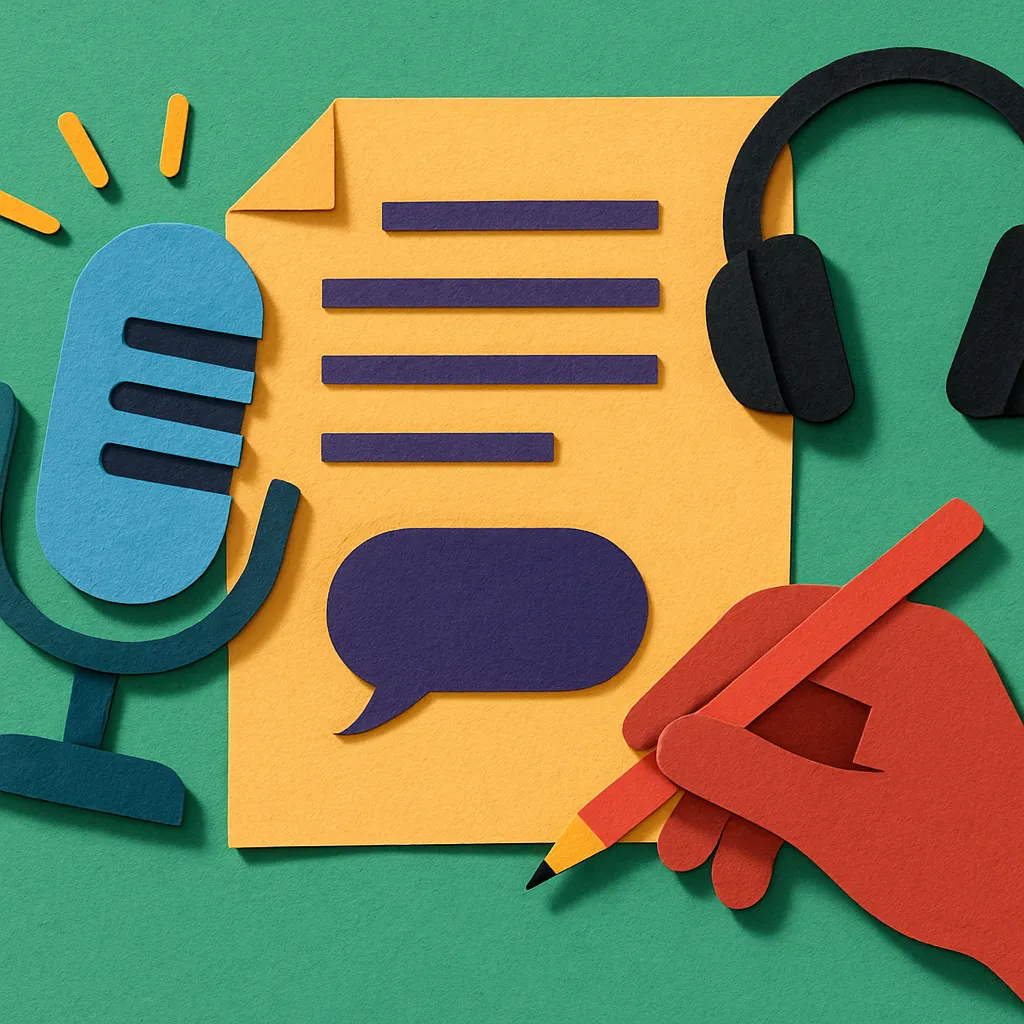
AI voices render exactly what you write, which means your script quality determines your audio quality. Writing for the ear is a learnable skill with a few concrete rules:
- Use short sentences. If you cannot say it in one breath, break it in two.
- Avoid parenthetical clauses. They work on the page; they confuse the ear.
- Read it aloud yourself first. If you stumble, revise. The AI will stumble in the same place.
- Write contractions. “You will” sounds stiff. “You’ll” sounds human.
- Add verbal signposting. Phrases like “here is the key point” or “let me back up for a second” are natural in speech and help listeners follow along.
A tight 15-minute episode script runs roughly 2,000 to 2,200 words. A 30-minute episode sits around 4,000 to 4,500 words. Budget your word count to your target run time before you start writing.
Step 3: Choose your AI voice and tone deliberately
Not all AI voices suit all formats. When selecting a voice, consider:
| Format | Recommended voice character | Why |
|---|---|---|
| Educational / how-to | Warm, measured, mid-paced | Listeners are processing new information |
| True crime / narrative | Slightly lower register, deliberate pacing | Builds tension and authority |
| Business / interview style | Confident, conversational, upbeat | Holds attention without sounding salesy |
| Children’s content | Higher energy, clear enunciation | Aids comprehension for younger ears |
If your show uses multiple “hosts” or “guests,” use distinct voices for each speaker and label your script clearly so the system knows which voice reads which line. The contrast between voices keeps multi-speaker episodes engaging.
Step 4: Generate your episode with Artistik
Artistik handles the entire production pipeline in a single session. You describe your podcast concept in plain language — topic, tone, intended audience, approximate length — and the platform generates a structured script, assigns appropriate AI voices, and renders a finished MP3 with a downloadable transcript.
To start a podcast, you input your prompt, review and edit the generated script in the built-in editor, select your voice or voices, and export. The output is a broadcast-ready MP3 file and a text transcript you own outright — royalty-free, with no licensing restrictions on distribution or monetization.
If you already have a complete script you wrote yourself, you can paste it directly into the editor rather than using the generated version. Either path works.
Step 5: Distribute your episode
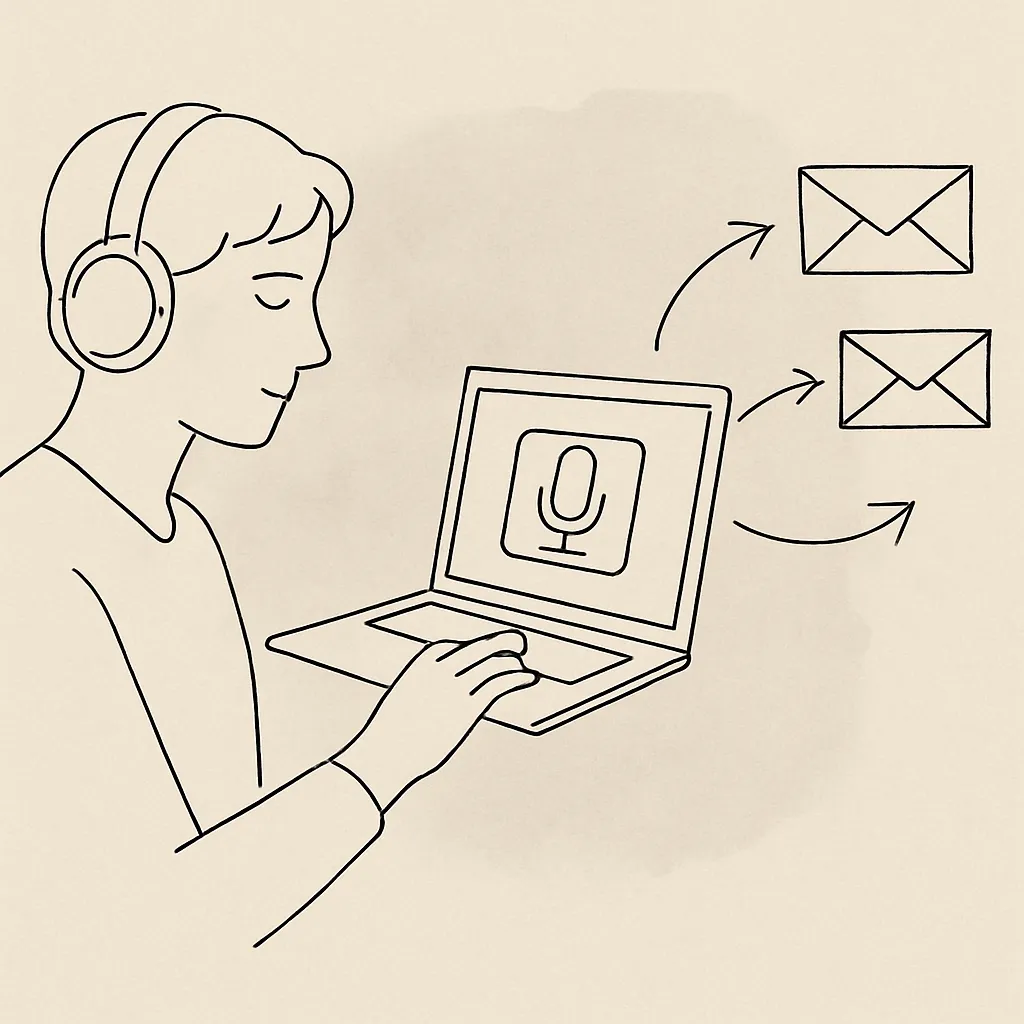
Once you have your MP3, the distribution process is identical to any traditionally recorded podcast:
- Create a hosting account on a platform such as Buzzsprout, Podbean, or Transistor. Most offer free tiers for new shows.
- Upload your MP3 and fill in the episode metadata: title, description, season and episode number, and relevant tags.
- Submit your RSS feed to Apple Podcasts, Spotify, Amazon Music, and Google Podcasts. This is typically a one-time setup; new episodes you upload to your host automatically flow to all directories.
- Add a transcript to your episode listing. Most directories now surface transcript text in search, which means discoverability benefits. Your Artistik export already includes the transcript file.
Expect 24 to 72 hours for directory approval on your first episode. Subsequent episodes go live within hours.
Step 6: Build a sustainable production cadence
Consistency is the only sustainable growth strategy in podcasting. A weekly show at adequate quality will always outperform a sporadic show at perfect quality. AI production makes consistency achievable:
- Batch your scripts. Write four or five episode scripts in one focused session, then produce them across the following week.
- Create a show template. A standard intro paragraph, a standard close, and a fixed segment structure mean you are filling in variables rather than building from scratch each time.
- Repurpose aggressively. The transcript Artistik generates doubles as a blog post or newsletter. A 30-minute episode contains enough material for five or six social media quotes.
Frequently asked questions
Do AI-voiced podcasts get accepted by Apple Podcasts and Spotify? Yes. Neither Apple nor Spotify currently prohibits AI-generated audio, and there is no technical flag that identifies it. The standard submission requirements — properly encoded MP3, complete metadata, an RSS feed from a legitimate host — are the same regardless of how the audio was produced.
How long does it take to produce one episode using Artistik? For a 20-minute episode starting from a prompt, most users complete the full cycle — prompt, script review, voice selection, and export — in under 60 minutes. If you arrive with a finished script, production time drops to 10 to 15 minutes.
Can I monetize a podcast made with AI voices? Yes. Everything produced through Artistik is royalty-free and owned by you. You can place host-read ads, join network monetization programs, offer paid subscriber feeds, or sell the show outright. There are no licensing fees owed to Artistik on your earnings.
What if I want to add my own voice for some segments? Artistik exports a clean MP3. You can import that file into any free audio editor — Audacity is the most common choice — record your own segments separately, and combine the tracks. This hybrid approach lets you keep the AI-produced content while adding a personal intro or closing thought in your own voice.
Start your first episode today
The technical and financial barriers that kept most people out of podcasting are gone. A compelling topic, a well-written script, and the right AI production tool are all you need. Head to Artistik, describe your show in a single paragraph, and download your first finished episode before the end of the day.