Make a Webtoon Episode With AI, Start to Finish
Plot a vertical-scroll episode, keep your cast consistent across panels, and end on a cliffhanger readers can't scroll past. A clear, friendly guide.
A good webtoon episode does one job: it gets someone to tap “next.” You hook them in the first few panels, you escalate, and you leave them hanging. The hard part has always been drawing all of it in one consistent style. This guide shows you how to plot a vertical-scroll episode, keep your characters looking like themselves panel to panel, and land an ending that stops the scroll — using AI to do the drawing and lettering so you can focus on the story.
What a webtoon episode actually is
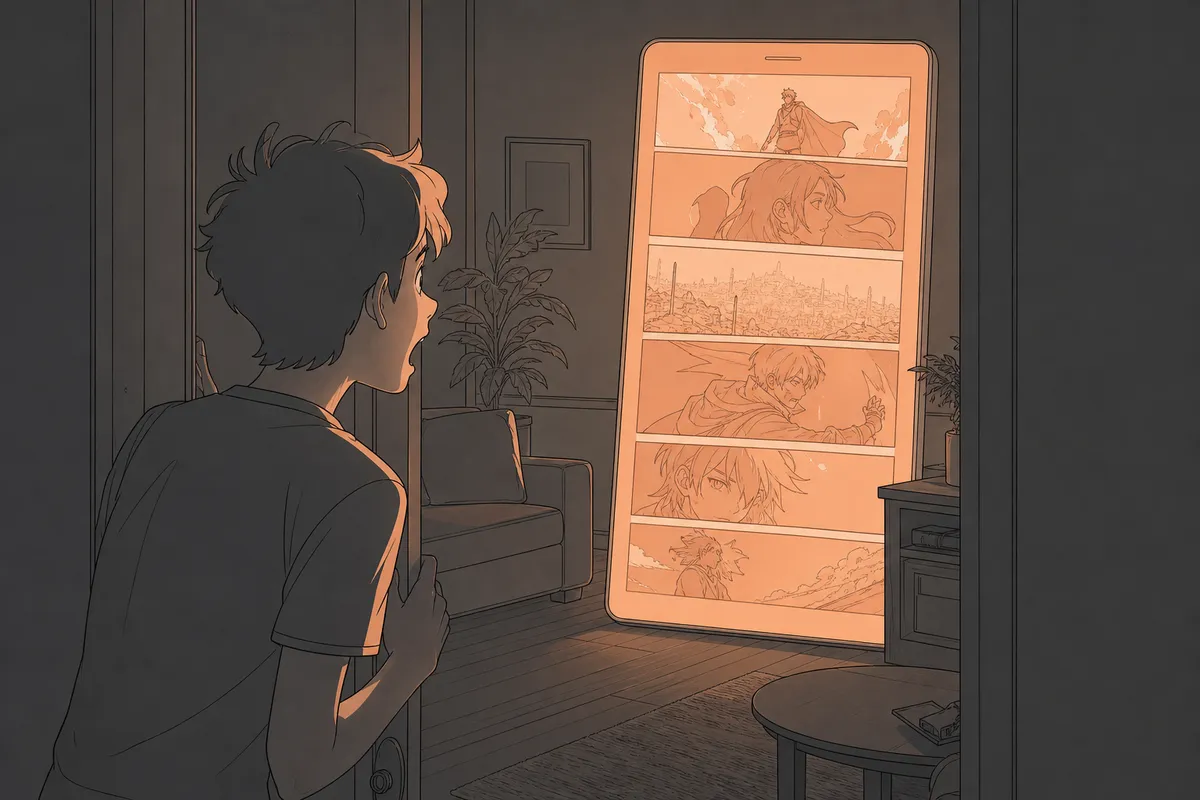
A webtoon isn’t a page-based comic. It’s a single long vertical strip you read by scrolling with your thumb. That changes how you tell the story. Instead of a grid of panels your eye jumps around, you get one panel after another, top to bottom, with white space between them that controls pacing. A big gap before a reveal feels like a held breath. A tight cluster of panels feels fast and frantic.
Episodes are short on purpose. One episode is a chapter, not the whole book — usually a few minutes of reading. You’re not trying to resolve the plot. You’re trying to earn the next tap.
With Artistik’s Webtoon maker you describe the episode in a sentence or two, pick a look and a genre, and get back a drawn and lettered vertical strip plus the individual panels and the script. A typical episode runs about $0.35 to $0.60 to make. It’s episode-length — think one chapter at a time, not a full graphic novel in one go. If you want a longer, bound sequential story, that’s what the Graphic Novel format is for.
The three looks, and when to use each
Artistik offers three art directions: webtoon, manhwa, and anime. They’re close cousins, but they set different expectations.
- Webtoon reads clean and modern, good for slice-of-life, romance, and office drama.
- Manhwa leans more polished and dramatic, a fit for revenge arcs, billionaire stories, and anything with glossy intensity.
- Anime brings expressive faces and big emotional beats, great for action and fantasy.
Pick one and stay with it for the whole series. Switching styles midway breaks the reader’s sense of a single world.
Start with the episode’s one job
Before you think about panels, write down what this specific episode needs to accomplish. Not the whole series — just this chapter. A useful episode does one of these:
- Introduces a character or a threat.
- Flips a relationship (they trust each other now; they don’t anymore).
- Reveals one secret.
- Raises the stakes on a problem already in play.
If your episode tries to do four of those at once, it’ll feel crowded and the ending won’t land. One clear turn per episode is plenty. The genres built into the Webtoon maker — romance, revenge, billionaire, secret identity, thriller — each come with a natural engine for these turns. A secret-identity story runs on “will they find out.” A revenge story runs on “is the trap working.” Lean into whatever engine your genre gives you.
Plot the vertical scroll, beat by beat
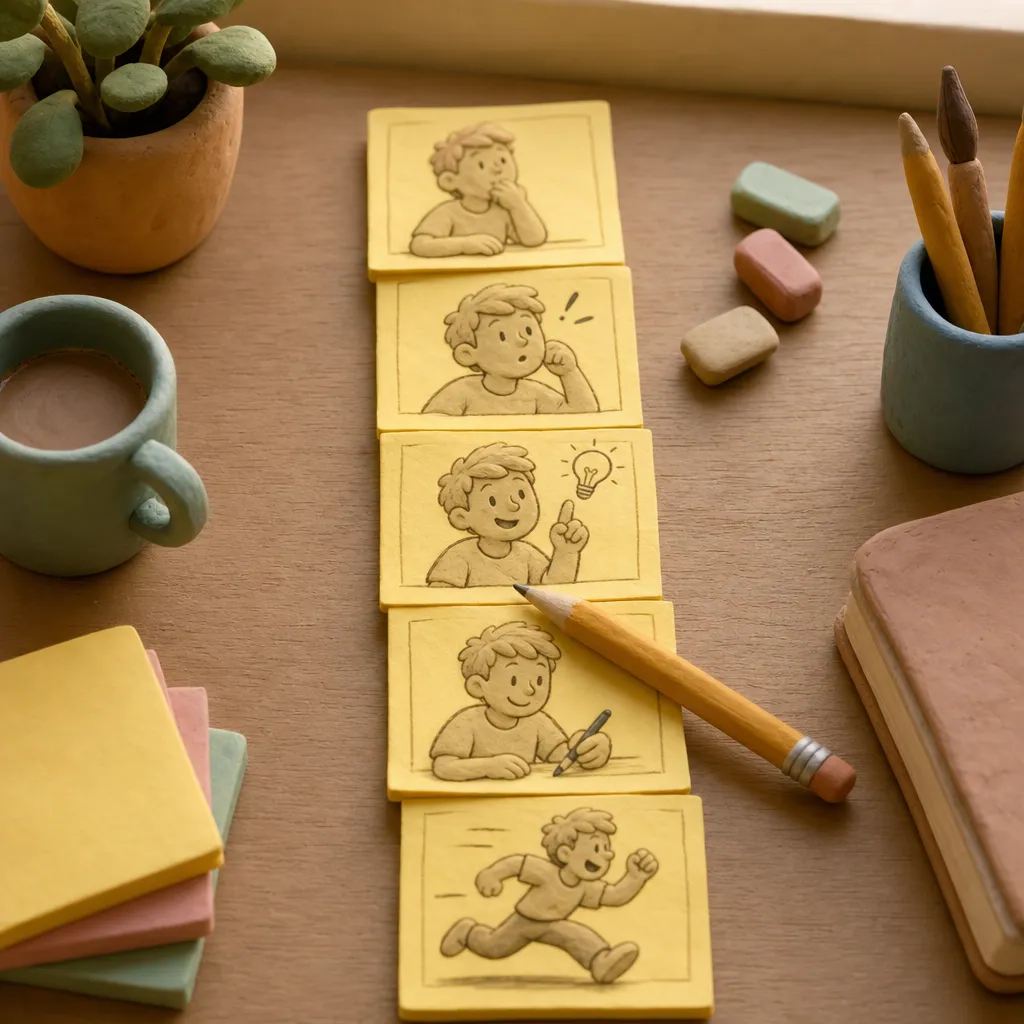
Here’s the shape that works for almost any single episode. Think of it as a column, top to bottom, the way a reader scrolls.
1. The opening hook (first few panels)
You have only a moment before someone decides to keep scrolling or bounce. Open on tension, not setup. Don’t start with a character waking up and making coffee. Start with the door already opening, the text already received, the person already standing where they shouldn’t be.
2. The context beat
Once you’ve got their attention, you can breathe for a moment. This is where you let the reader understand what’s at stake — but keep it moving. A single panel of a worried face and one line of inner thought does more than a paragraph of narration.
3. The escalation
The middle of the episode should make the problem worse or the feeling stronger. Each beat should raise the temperature. If panel four is “they argue,” panel six should be “she says the thing she can’t take back.” Vertical scroll is forgiving here — you can slow down with a close-up or speed up with a run of small panels.
4. The turn
Something changes. A choice is made, a truth slips out, a new person walks in. This is the moment the episode exists for.
5. The cliffhanger
The last beat is not a resolution. It’s a question the reader needs answered. We’ll come back to this because it’s the most important panel you’ll draw.
A clean way to map this is to write one line per beat before you generate anything. Six to ten lines, top to bottom. If you read your lines out loud and feel the pull toward the end, you’ve got an episode.
Keeping your characters consistent
This is the part creators worry about most, and rightly so. Nothing breaks a webtoon faster than the lead’s face shifting between panels. The Webtoon maker draws and letters the whole episode in one consistent style, with a cast that holds together across the strip — so your heroine reads as the same person in panel one and panel nine.
A few habits make this far more reliable:
- Describe your cast concretely and the same way every time. “Mina, early twenties, short black bob, round glasses, always in an oversized green hoodie” gives the generator something to lock onto. Vague descriptions drift.
- Give each character one strong visual anchor. A scar, a jacket, a hair color, a hat. Readers recognize characters by silhouette and signature, not by exact facial geometry.
- Keep the cast small per episode. Two or three named characters on screen is easier to hold consistent than six.
- Carry your descriptions forward. When you make the next episode, reuse the exact same character lines. Consistency across episodes starts with consistency in your brief.
Here’s a prompt you could paste to get a clean, consistent first episode:
A manhwa-style webtoon episode, revenge genre. Mina (early 20s, short black bob, round glasses, oversized green hoodie) returns to her old high school as the new substitute teacher. In the first scene she recognizes the student who ruined her life — now grown, now her colleague. He doesn’t recognize her yet. End on the moment he says her name wrong, and she smiles. Keep it tense and quiet, not loud.
Notice what that prompt does: it names the genre, pins the character’s look, states the turn (he doesn’t recognize her), and dictates the final beat. The generator has everything it needs to escalate and land the ending.
Writing a scroll-stopping ending
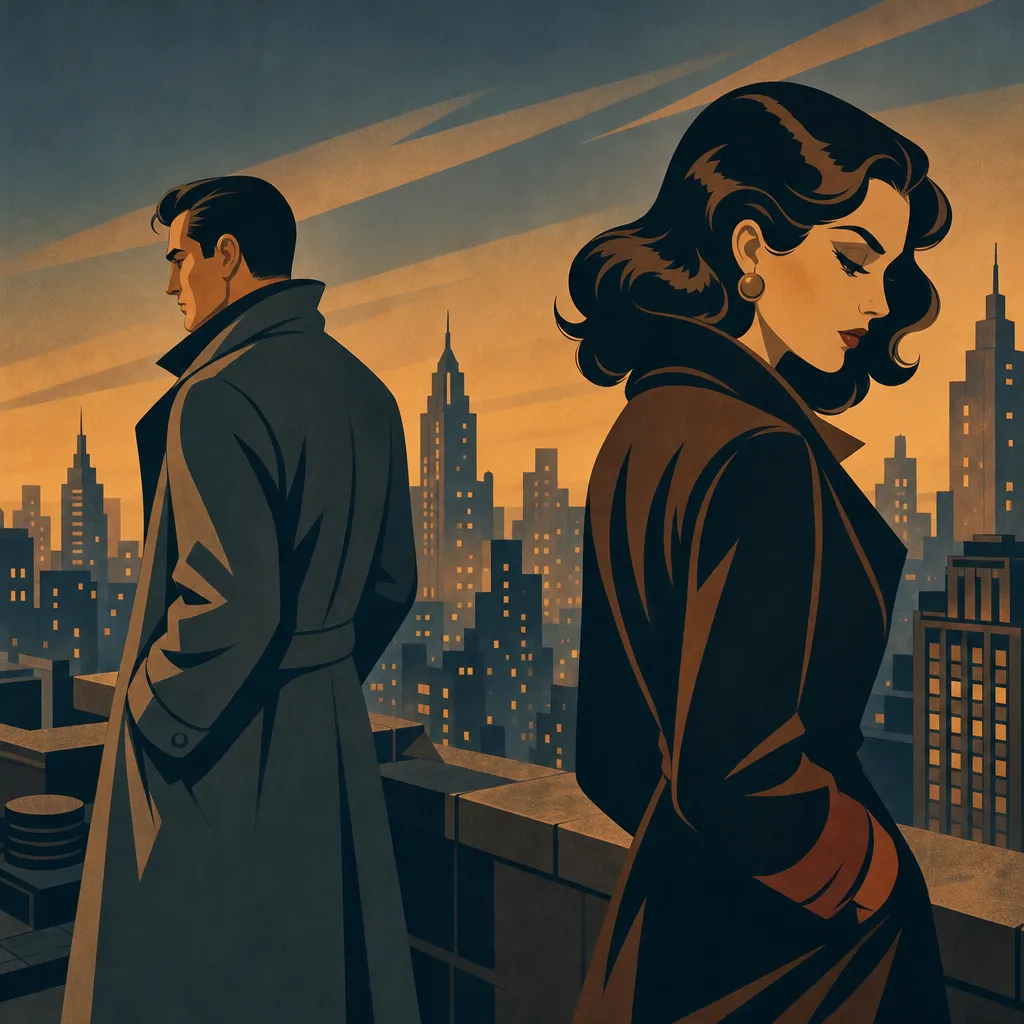
The last panel is your most valuable real estate. It decides whether anyone comes back for episode two. Here’s what reliably works.
End on a question, not an answer. “Who sent the letter?” beats “She opened the letter and it was from her mother.” Leave the mystery open.
End on a face. A reaction shot — shock, a slow smile, dawning fear — gives the reader an emotion to sit with between episodes. We remember faces.
End one beat earlier than feels comfortable. The temptation is to show the kiss, the punch, the reveal. Resist it. Cut to black right before. The anticipation is stickier than the payoff.
Use the white space. On a vertical scroll, put a long gap before your final panel. The reader scrolls through empty space, tension building, and then — the beat. That pause is a tool page-based comics don’t have.
Plant the next hook. The best cliffhangers don’t just withhold; they promise. “Tomorrow, I’ll tell you everything” makes the reader need tomorrow’s episode.
If you write the final line of dialogue or the final image first, then build backward, you’ll almost always construct a tighter episode. Everything before it becomes a runway to that moment.
How to make your episode, step by step
Here’s the full workflow from blank page to a finished strip you can post.
- Write your one-sentence pitch. What changes in this episode? Keep it to a single turn.
- Draft your beats, top to bottom. Six to ten lines, each one panel or scene. Make sure the pull toward the ending is there.
- Pin your cast. Write each named character’s look in concrete, repeatable terms. Save these somewhere — you’ll reuse them.
- Choose your look and genre in the Webtoon maker: webtoon, manhwa, or anime; romance, revenge, billionaire, secret identity, or thriller.
- Write the brief, folding in your pitch, your cast descriptions, and your desired final beat. Be specific about the cliffhanger.
- Generate and read the preview. The preview is watermarked so you can check it before you commit. Read the whole strip on your phone, scrolling as a reader would.
- Tune the ending. If the last panel doesn’t make you want more, rewrite the final beat in your brief and regenerate.
- Keep the piece. You get the PNG strip, the individual panels as a ZIP, and the script — yours to publish, royalty-free, commercial use allowed, no attribution.
- Save your cast lines for the next episode so your characters stay recognizable.
If you want to test how long each episode reads before you publish, the free reading-time tool gives you a quick estimate from your script text.
The cost of making a webtoon episode
Here’s how a webtoon episode compares to a few related formats, using Artistik’s measured per-piece costs.
| Format | Typical cost per piece | Best for |
|---|---|---|
| Webtoon | about $0.35–$0.60 | One vertical-scroll chapter |
| Graphic Novel | about $0.40–$1.10 | A longer bound sequential story |
| Screenplay | about $0.15–$1 | Scripting a story before you draw it |
| Micro Drama | about $0.10–$6 | Turning the same idea into vertical video |
Paying is simple: your first piece is on us, with up to $1 of free credit to start. After that you can keep a single piece for a one-off $4.99, add credit from $5, or go with a monthly plan from $9 that includes that much making every month and removes watermarks. See the full breakdown on the pricing page.
Be honest about the limits
A few things to keep in mind so you’re not surprised.
The Webtoon maker produces episode-length work — one chapter at a time, not a full graphic novel in a single run. If you’re planning a long-form bound story, lay it out as a series of episodes, or use the Graphic Novel format for the longest sequential pieces.
It draws in one consistent style per episode, which is exactly what you want — but it means you commit to a look. Decide early.
And while the generator holds your cast together well, you are the memory of your series. Keep your character descriptions saved and reuse them word for word. The more consistent your inputs, the more consistent your output.
Finally, this is a drawing-and-lettering tool, not a brand design system. If you have a logo, a title treatment, or a specific color palette for your series, you’ll add those yourself on top.
Frequently asked questions
How long is one webtoon episode from Artistik? It’s episode-length — about one chapter, a few minutes of reading, delivered as a vertical PNG strip plus the individual panels and the script. For longer bound stories, use the Graphic Novel format.
Will my characters look the same across different episodes? They hold together well within an episode, and across episodes the key is reusing the exact same character descriptions each time. Give every character one strong visual anchor — a hoodie, a scar, a hair color — and keep those lines saved to paste into your next brief.
Do I own what I make, and can I publish it? Yes. What you keep is royalty-free, cleared for commercial use, with no attribution and no revenue share. You can post it, serialize it, or sell it.
Can I turn my webtoon into a video version? Not directly, but the same story and cast can inspire a Micro Drama — a vertical 9:16 episode with a shot-by-shot script, voices, and captions — if you want a motion version of your world.
What does it cost to try? Your first piece is free, with up to $1 of starting credit, and previews are watermarked so you can check your episode before committing. After that, keep a single piece for $4.99, add credit from $5, or subscribe from $9 a month.
Ready to make your first episode?
You have the shape: hook, escalate, turn, cliffhanger. You have the trick for a consistent cast — concrete descriptions you reuse every time. Now plot your six to ten beats, pin your characters, and let the drawing happen. Open the Webtoon maker, write one sentence, and leave your readers hanging in the best possible way.