EPUB vs PDF vs Print: Which Format Should You Ship?
Choosing between EPUB, PDF, and print can make or break your book's reach. Here's how self-published authors should decide — and how to produce all three fast.
Picking the wrong distribution format costs self-published authors readers, revenue, and credibility. This guide breaks down the real-world trade-offs between EPUB, PDF, and print so you can ship the right version — or the right combination — for your audience and goals.
Why Format Choice Is a Business Decision
Most first-time authors treat format as an afterthought — something to sort out after the writing is done. That’s backwards. Format determines where your book can be sold, how readers consume it, how much it costs to produce, and how much of each sale you keep. Getting clear on your format strategy before you publish is one of the highest-leverage decisions you can make.
The good news is that modern tools, including Artistik, let you generate a finished, royalty-free manuscript in both EPUB and PDF from a single creative session — so you don’t necessarily have to choose just one.
What EPUB Actually Is (and Isn’t)
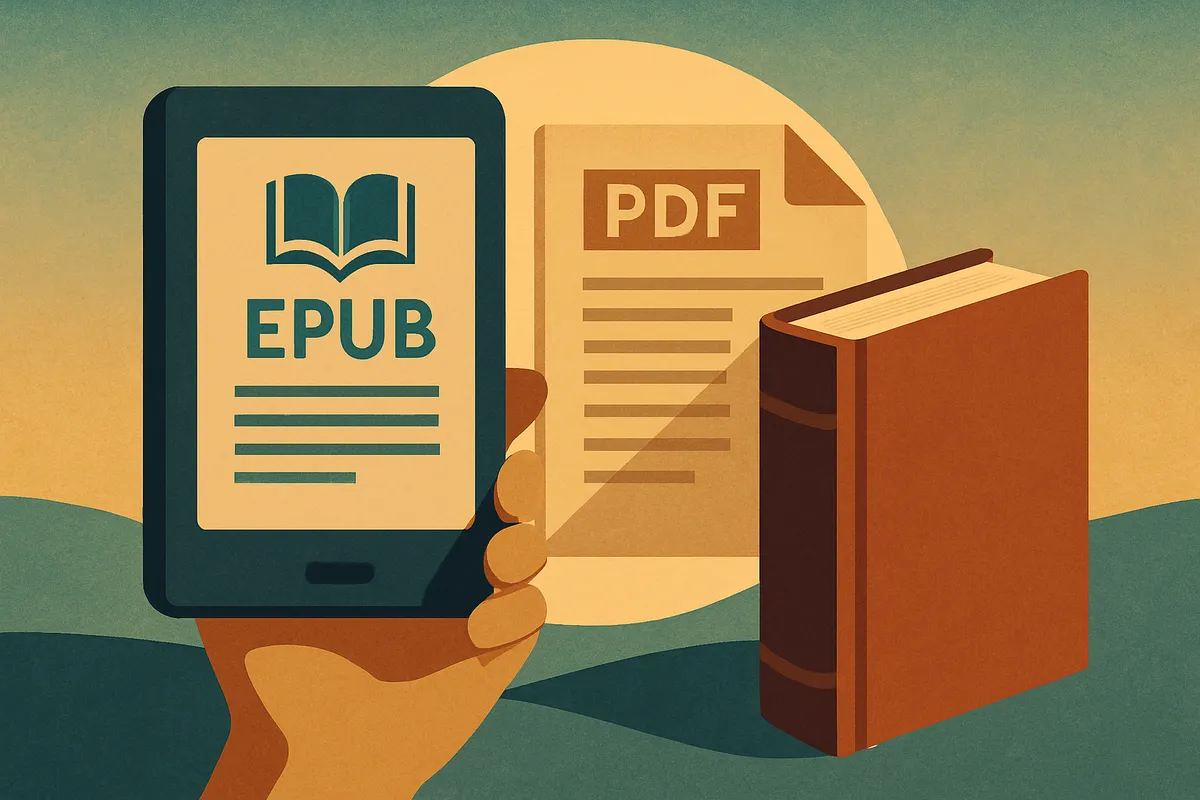
EPUB is a reflowable format, which means the text reshapes itself to fit whatever screen the reader is using. On a phone it wraps tightly; on a large tablet it spreads out. This makes it the native format for:
- Amazon Kindle (converted to MOBI/KFX internally)
- Apple Books
- Kobo
- Barnes & Noble Nook
- Google Play Books
- Public library platforms like OverDrive and Libby
EPUB is non-negotiable if you want to be in any major e-book retailer. Platforms like Amazon KDP accept EPUB directly and handle conversion for you. Royalty rates on major stores typically run 35–70 percent of list price, with the higher rate available when you price within certain bands.
The limitation: because text reflows, you lose precise control over layout. A fixed-format EPUB exists to handle image-heavy content (children’s books, graphic novels, cookbooks), but it behaves more like a PDF and loses some retailer compatibility.
When PDF Is the Right Answer
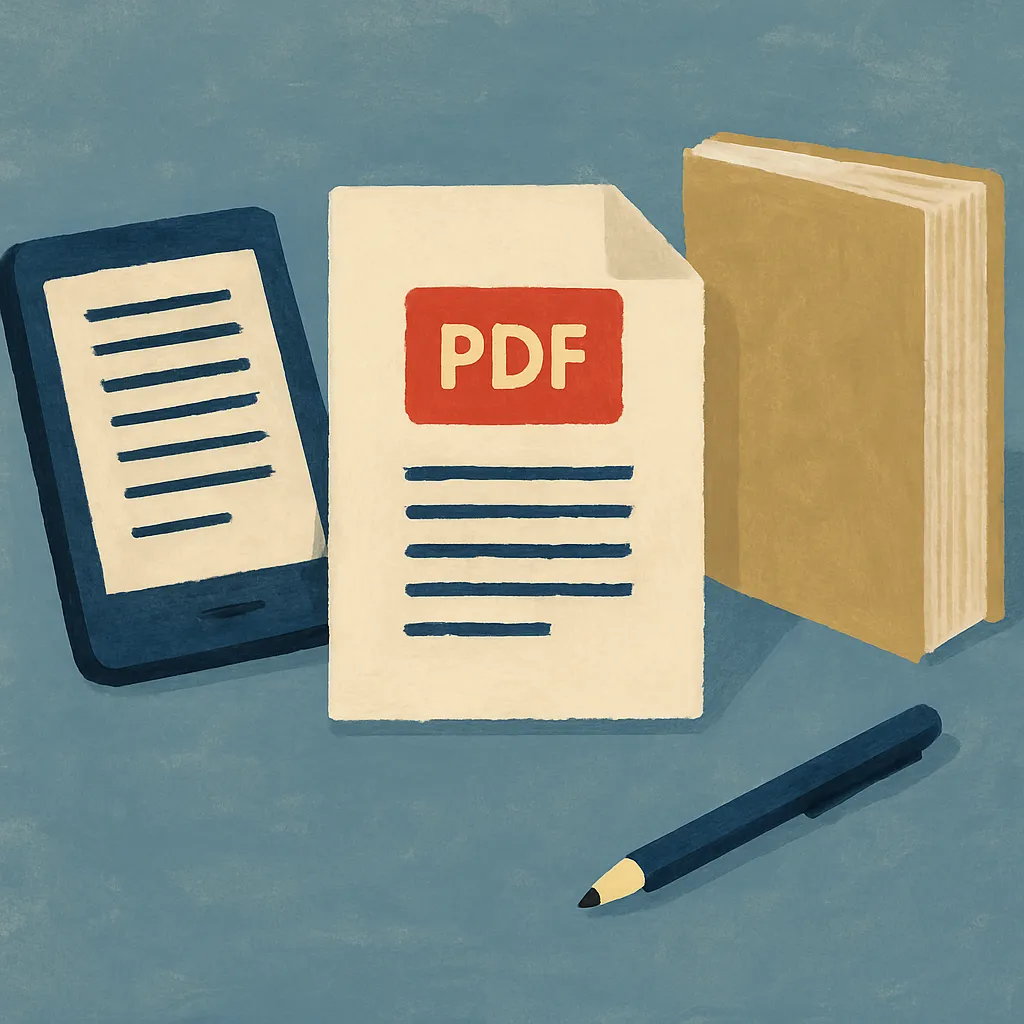
PDF locks every element — font, spacing, image placement, page size — exactly where you put it. That’s a strength and a weakness.
PDF is the right default when:
- Your book has complex layout: charts, sidebars, poetry with intentional line breaks, workbooks, planners, or anything where the visual arrangement carries meaning.
- You are selling directly from your own website (Gumroad, Payhip, a Shopify store) and want a single, predictable file your customers download immediately.
- You are producing a coloring book, activity book, or illustrated guide where pages are meant to be printed at home.
- You need a review copy or advance reader copy (ARC) with page numbers that match across all recipients.
The weakness: PDF is hostile on e-readers. Zoom in on a six-inch Kindle to read a standard 8.5x11 PDF and the experience is miserable. If your target reader is on mobile or a small e-ink device, PDF will lose you sales.
Direct sales also mean you handle customer service, payment processing, and delivery yourself — more work, but you keep close to 100 percent of revenue after payment processor fees.
The Case for Print-on-Demand
Print is not dead. Paperback books remain the preferred format for a large share of readers, particularly in nonfiction, memoir, and gift-adjacent categories. The modern answer for most self-publishers is print-on-demand (POD) rather than offset printing — you pay no upfront inventory cost, and copies are printed and shipped only when a customer orders.
The main POD distributors are:
| Platform | Retail reach | Author royalty | Upfront cost |
|---|---|---|---|
| Amazon KDP Print | Amazon only (organic) | ~60% of list minus print cost | Free |
| IngramSpark | 40,000+ retailers + libraries | ~45% of list minus print cost | Small setup fee |
| Lulu | Lulu marketplace + direct | Variable | Free for basic |
If you want your paperback stocked in independent bookstores or available to library buyers, IngramSpark’s distribution network is worth the setup fee. If you primarily want Amazon placement and simplicity, KDP Print is sufficient.
Print royalties are lower than e-book royalties in percentage terms, but many readers will pay significantly more for a physical copy, which can offset the margin difference.
How to Combine Formats Without Drowning in Production Work
The conventional path — write in Word, hire a formatter for EPUB, hire a separate designer for print, juggle three contractors — is slow and expensive. A faster approach:
- Generate your manuscript with an AI creative tool. Start a novel on Artistik and receive both EPUB and PDF outputs from the same session, ready to download.
- Use the EPUB for retailer distribution. Upload to KDP, Draft2Digital (which distributes to Apple, Kobo, and others simultaneously), or both.
- Use the PDF for direct sales and print setup. Your POD platform will have a template; sizing to their spec (typically 6x9 inches for trade paperback) is the main adjustment needed.
- Add a cover designed at the correct resolution for each output. E-book covers are JPEGs at 72–96 DPI; print covers need 300 DPI with bleed margins. These are two different files.
Audience Signal: Where Do Your Readers Buy Books?
Before you finalize your format mix, do a quick audience audit:
- Fiction readers (especially genre: romance, thriller, fantasy) skew heavily toward e-books and Kindle Unlimited. EPUB is table stakes; print is a nice-to-have.
- Nonfiction, business, and self-help readers buy print at high rates. A well-designed paperback also signals credibility when used as a marketing asset.
- Creators selling to other creators (workbooks, templates, prompt guides) often prefer PDF downloads they can print and mark up.
- Children’s book authors need print almost by definition; illustrated fixed-format EPUB is a secondary channel.
Do not guess. Look at where comparable titles in your category rank on Amazon versus where they show up in direct-sales communities. That tells you where your readers actually shop.
What to Actually Ship First
If you are publishing your first book and trying to minimize complexity, this is the practical sequence:
- Ship EPUB to KDP for Kindle. Free, fast, and gets you into the world’s largest book marketplace.
- Simultaneously upload to Draft2Digital for Apple Books and Kobo. One additional upload reaches a significant chunk of the non-Amazon e-book market.
- Add a POD paperback on KDP Print once your cover is print-ready. This costs nothing and expands your audience.
- Sell PDF directly from your own platform once you have an email list or social following to drive traffic there. Direct sales are highest-margin but require your own distribution infrastructure.
Starting with EPUB and adding formats iteratively is lower risk than trying to do everything at launch.
Frequently Asked Questions
Do I need an ISBN for each format? Technically, yes — publishing standards call for a separate ISBN for each distinct edition (EPUB, PDF, paperback, hardcover). Amazon KDP assigns its own ASIN for Kindle editions and provides a free ISBN for KDP Print paperbacks. If you want retailer-agnostic barcodes or plan to distribute through IngramSpark, purchasing your own ISBNs through Bowker (in the US) gives you full ownership and control.
Can I sell the same book on Amazon and my own website at the same time? Yes, with one exception: if you enroll your Kindle edition in Kindle Unlimited (KDP Select), Amazon requires 90-day exclusivity for the e-book. You can still sell a PDF version directly, since it is technically a different format. Print editions are never restricted by KDP Select.
Is it worth producing an audiobook in addition to text formats? For nonfiction and popular fiction, audiobook consumption has grown substantially. If your manuscript is already written, converting it is more accessible than it used to be. Artistik can generate an audiobook alongside your written formats, which removes the biggest barrier — the production cost and time.
What file size limits should I know about for PDF direct sales? Gumroad and Payhip both support files up to several gigabytes, so a standard text PDF is never a problem. Image-heavy books (illustrated novels, coloring books) can get large; aim to compress images to 150 DPI for screen-only PDFs and 300 DPI for print-intended files. Most PDF export tools have a compression option built in.
Start Shipping Your Book Today
Format decisions feel complicated until you have a clear framework — and now you do. The fastest path from idea to published author is to generate your manuscript, export to both EPUB and PDF in one session, and distribute strategically from there. Artistik handles the file creation so you can focus on reaching readers. Your book, your rights, your revenue — start writing now.