AI UGC Ads for Shopify Products
Turn any Shopify product page into creator-style vertical ads you can test today — no creators to hire, no shoots, just a sentence and a few dollars.
If you run a Shopify store, you already know the ads that work best on TikTok, Reels and Shorts don’t look like ads. They look like a real person holding your product and talking about it. The catch has always been getting that footage: finding creators, shipping product, waiting weeks, and paying per video whether it performs or not. Artistik lets you turn a product page into creator-style vertical ads you can test the same afternoon — from a single sentence, for a few dollars a piece.
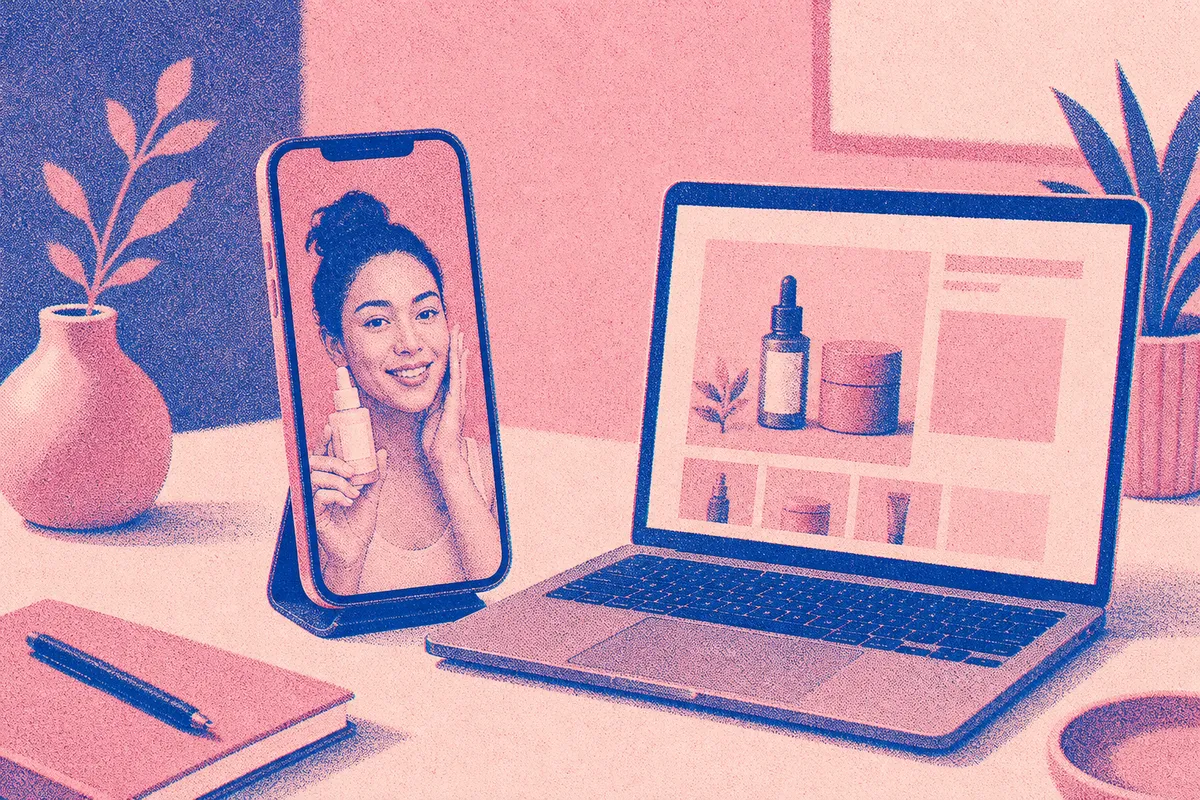
This guide walks through what “UGC-style” ads really are, how to make them from a Shopify listing, the exact steps to follow, a sample prompt you can paste, honest limits, and what each one costs.
What “UGC ads” mean for a Shopify store
UGC stands for user-generated content: the handheld, talking-to-camera videos that feel like a friend’s recommendation rather than a polished brand spot. On paid social, this style tends to stop the scroll because it blends in with everything else in the feed.
The classic UGC workflow is expensive and slow. You brief creators, mail them product, wait, review drafts, and request edits. For a store testing ten angles, that’s ten shipments and ten invoices before you know what converts.
An AI UGC Ad skips the logistics. You describe your product and the angle you want, and Artistik writes the hook-value-call-to-action script and builds a vertical 9:16 MP4 with a generated creator-style presenter. The person on screen isn’t a real creator — it’s a generated face, and the piece is labeled as AI so you’re honest with your audience and your ad platform. That’s the trade: you give up a real human’s face in exchange for speed, volume and near-zero cost per test.
Where this fits in your funnel
Think of AI UGC ads as cheap ammunition for the top of your funnel. They’re perfect for the “which angle do people respond to” phase — the stage where you want many variations fast, not one perfect hero video. Once you find a winner, you can double down, and if you ever want a real human for your best-performing angle, you’ll know exactly which script to hand them.
Turning a product page into an ad brief
Your Shopify product page is already a brief in disguise. It has the benefit, the problem it solves, the key features and the social proof you’ve collected in reviews. The job is to pull that into a single clear sentence Artistik can build from.

Before you make anything, grab these four things off your listing:
- The one benefit that matters most. Not every feature — the single reason someone buys. “Falls asleep faster,” not “contains three botanicals.”
- The problem it solves. What was annoying or painful before your product.
- Who it’s for. A busy mom, a Gen Z shopper, a skeptic who’s tried everything.
- A believable proof point. A review theme, a guarantee, a before-and-after. Give Artistik the real points; it won’t invent facts for you.
With those four pieces, you can brief a handful of ads in minutes.
Pick a persona and an angle
Artistik gives you five personas — Gen Z, expert, mom, hype and calm — and six angles: problem-solution, honest review, unboxing, three reasons, testimonial and day in the life. The smart move is to hold the product constant and vary one thing at a time. Same product, same benefit, five different personas. Or same persona, six different angles. That way your test results actually tell you something.
How to make AI UGC ads from a Shopify product, step by step
Here’s the full workflow, start to finish.
- Open the UGC Ad maker. It’s on the web, iPhone and Android, so you can do this from your phone between other tasks.
- Paste your one-sentence brief. Include the product, the main benefit, who it’s for and one proof point. The more specific, the better the script.
- Choose a persona. Match it to your buyer. Selling a supplement to skeptics? “Expert” or “calm” reads as more credible than “hype.”
- Choose an angle. For a cold audience, “problem-solution” or “honest review” tends to land. For a warm audience that already knows the product, “three reasons” works well.
- Pick your mode. Storyboard mode works with the free starter credit and shows you the script and visuals as stills — great for checking the hook and flow before you spend. The talking AI spokesperson, a single consistent generated face, uses purchased credit.
- Set your language. Artistik works in 13 languages, so you can spin up versions for different markets from the same brief.
- Preview, then generate. Previews are watermarked so you can review freely. When a version looks right, keep it and the watermark comes off.
- Download and test. You get the 9:16 MP4 plus the script. Upload it to your ad manager yourself — Artistik makes the creative; it doesn’t post for you or manage your accounts.
A prompt you can paste
Here’s an example brief for a real-sounding Shopify product. Swap in your own details:
Honest review UGC ad for “DriftOff,” a magnesium sleep spray for busy parents who lie awake with a racing mind. Main benefit: calmer, faster wind-down in about 15 minutes. Proof: reviewers keep mentioning fewer 3 a.m. wake-ups. Persona: calm, mom. Angle: honest review. Hook should name the 3 a.m. wake-up problem directly. End with a soft call to action to try it risk-free.
Notice how the prompt names the problem, the benefit, a proof theme and the exact feeling of the hook. That specificity is what separates a generic ad from one that sounds like a person who actually uses the thing.
Testing many angles without burning your budget
The whole point of cheap creative is volume. Instead of betting on one video, make a batch and let the platform tell you which one people watch.
A simple first test: pick your best-selling product and make five ads — one per persona, all using the honest-review angle. Run them as separate creatives in one campaign. Within a few days you’ll see which persona holds attention and which gets skipped. Then make five more using your winning persona and vary the angle. You’ve now run a structured test of ten creative directions for less than the cost of a single traditional UGC video.
Because storyboard mode works with the free starter credit, you can read every script and check every hook before you ever spend on the talking-spokesperson version. Weak hook? Rewrite the sentence and regenerate. You’re only paying for the versions worth running.
Pair UGC ads with other creative
UGC videos are one weapon. For the feed and the shopping tab, static creatives still pull their weight. The Product Ad maker turns the same product into 3 or 5 image variations with ad copy, so you can test visuals and headlines alongside your video angles. And if you want longer-form content for your store’s own channel — the kind that warms up a cold audience before they ever see a retargeting ad — a faceless explainer can cover how the product works or why it exists.
What it costs
Here’s how an AI UGC Ad compares with related Artistik formats, using measured per-piece costs.
| Format | Typical cost per piece | Best for |
|---|---|---|
| UGC Ad | about $0.30–$4 | Creator-style vertical video ads |
| Product Ad | about $0.15–$0.50 | Static image ad variations + copy |
| Short-form video | about $0.15–$1 | Organic TikTok/Reels/Shorts posts |
| Presenter | about $1.20–$3 | A generated presenter reading a longer script |
The storyboard version of a UGC ad sits at the low end; the talking spokesperson, which uses per-second generated video, costs more. Paying is simple: your first piece is on us with up to $1 of free credit, you can keep any single piece for a one-off $4.99, add credit from $5 (bigger packs add a bonus), or go with a monthly plan from $9 that includes that dollar amount of making every month and removes watermarks. Motion and talking-spokesperson video run on purchased credit — a one-time pack is enough, no subscription needed. See pricing for the details.
Honest limits to know before you commit
AI UGC ads are a genuine shortcut, but they aren’t magic, and it’s better to know the edges up front.
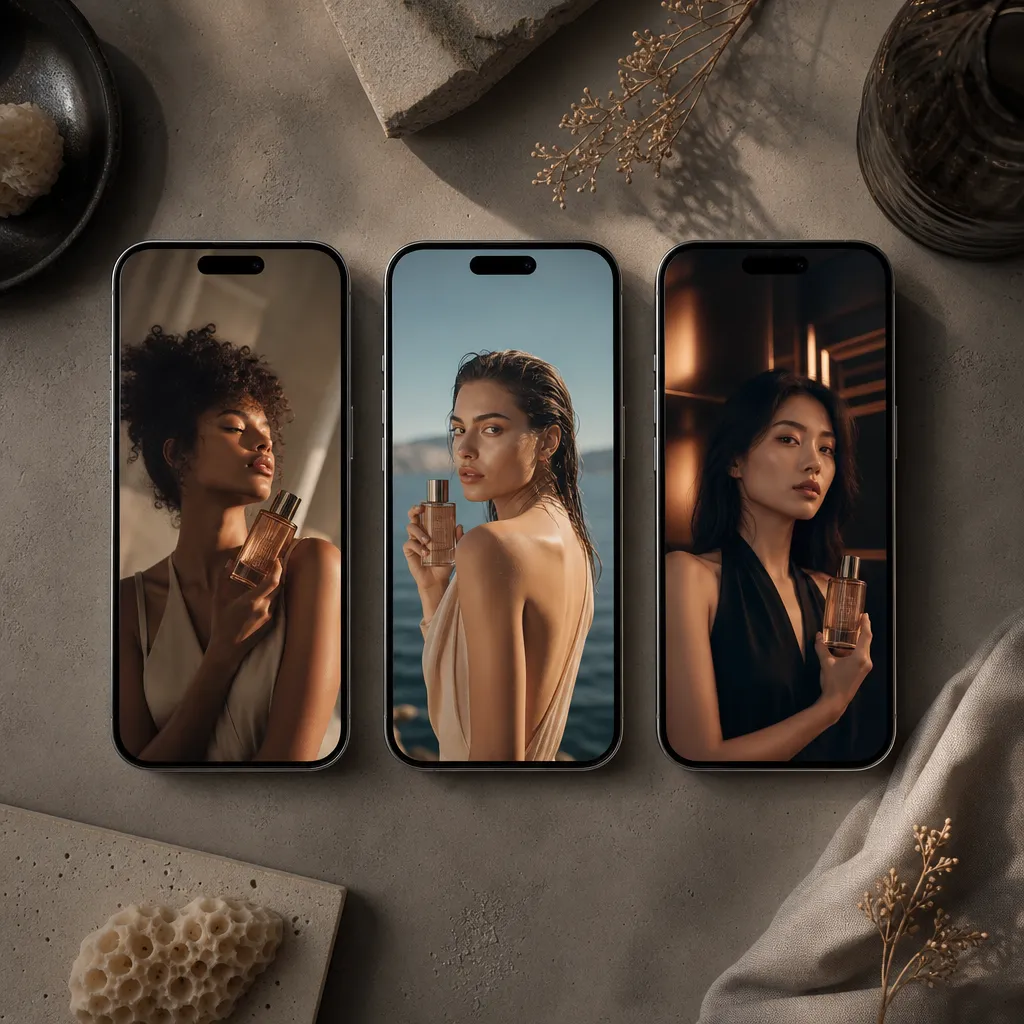
- The person on screen is generated, not a real creator. They’re convincing, but they’re AI, and pieces are labeled as AI. If a campaign or market requires a disclosed real human, this isn’t that.
- Artistik won’t invent facts. Give it the real benefit and a real proof point. If you feed it vague input, you’ll get a vague ad.
- It doesn’t post for you. You download the MP4 and upload it to your own ad manager. Account setup, targeting and budget are yours to run.
- One consistent face per ad. The talking spokesperson is a single generated person, not a cast. For a multi-person skit you’d need a different approach.
- Platform rules change. Ad networks update their policies on AI-generated and disclosed content. Check the current rules for TikTok, Meta and wherever you’re running before you scale spend.
None of these are dealbreakers for testing. They just set expectations: use AI UGC ads to find what works cheaply and quickly, then decide where a human touch is worth the extra cost.
Keeping your store’s content engine running
Paid ads are only part of the picture. The stores that compound tend to publish consistently — short clips, product explainers, maybe even an audio show about their niche. If you want something that keeps publishing on its own schedule, Autopilot runs a podcast channel for you: it brainstorms, researches, writes, fact-checks, voices and mixes each episode, then publishes to its own RSS feed and a connected YouTube channel. For a brand building authority in a category, that’s a steady drumbeat of content you own, with episodes paid from credit and nothing posted without you if you’d rather review first.
And before you write any script, the free tools include a video script length calculator that turns your word count into seconds — handy for keeping a UGC hook tight enough to land in the first three seconds.
Frequently asked questions
Do I need to ship product to anyone? No. There’s no creator to mail product to and no shoot to schedule. You describe the product in a sentence, pull the key points from your Shopify page, and Artistik builds the vertical ad. Everything happens on the web or your phone.
Will viewers know the ad is AI? Yes — the person on screen is a generated face, and Artistik labels pieces as AI. That’s by design, so you’re being honest with your audience. Always check the current disclosure rules on the ad platform you’re using as well.
How many ads should I test at once? Start with about five variations of one product, changing a single thing like persona or angle so your results are readable. Because storyboard mode works with the free starter credit and keeping a finished piece is a one-off $4.99 or a few dollars from credit, running a real test batch costs far less than a single traditional UGC video.
Can I make the same ad in another language? Yes. The UGC Ad maker works in 13 languages, so you can generate versions for different markets from the same brief without rewriting everything by hand.
What do I actually own when I’m done? What you unlock is yours: royalty-free, commercial use allowed, no attribution and no revenue share. Once you keep a piece, you can run it as a paid ad anywhere you like. There’s also a 14-day money-back guarantee on a first purchase.
Ready to test your first angle?
Pick your best-selling product, pull out the one benefit and one proof point, and write a single sentence. In the time it would take to email a creator, you can have a creator-style vertical ad ready to test — and a few more right behind it. Start with a free storyboard to check your hook, then keep the versions worth running. Make your first UGC Ad today and see which angle your buyers actually respond to.