AI Graphic Novels: How to Build a Series Bible First
Before you generate a single panel, a series bible locks in your characters, world, and tone. Here is how to build one for an AI graphic novel that stays consistent.
Generating a single gorgeous graphic novel page with AI is easy. Generating fifty pages where the same character looks like the same character — same jawline, same jacket, same scar above the left eyebrow — is where most indie creators hit a wall. The solution is not a better prompt; it is a series bible written before you touch the generation tool. This guide walks you through building one from scratch so your AI graphic novel has visual and narrative consistency from page one through the final chapter.
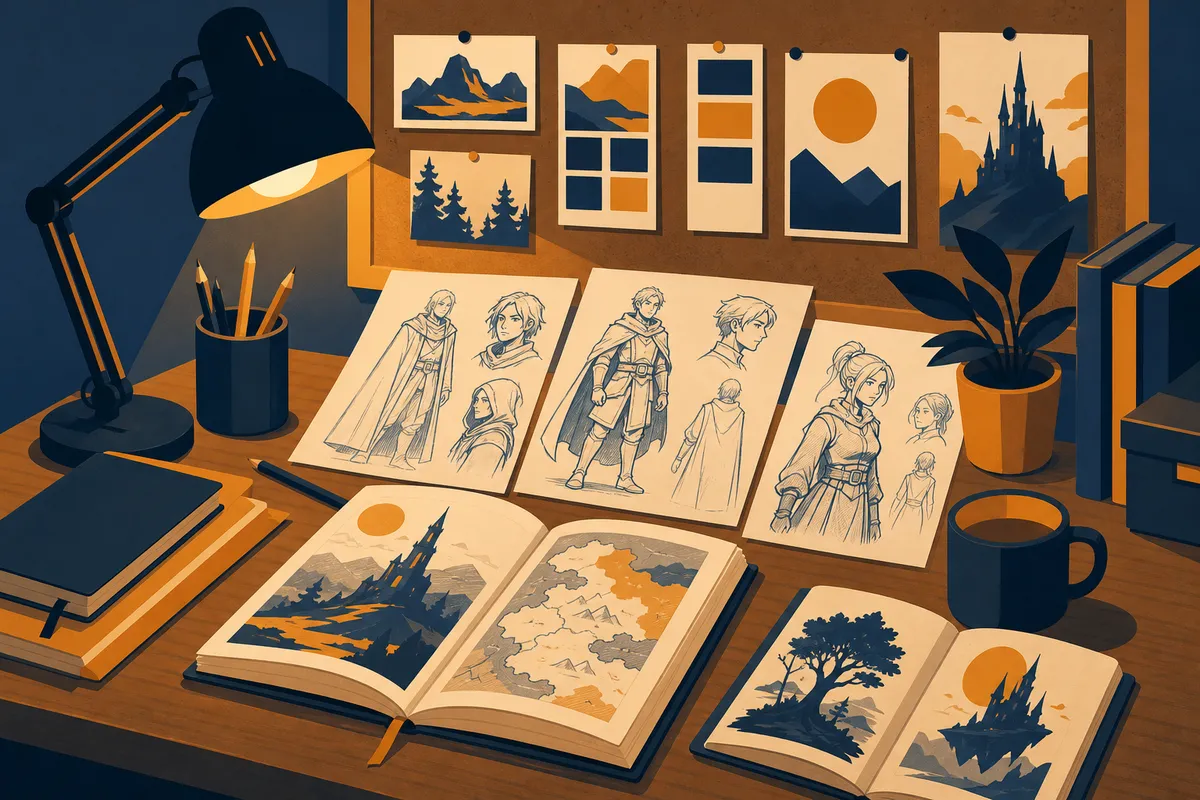
What a Series Bible Actually Is
A series bible is a private reference document — never published, never sold — that answers every question a creative collaborator might ask about your story. In traditional publishing and television, it is handed to writers, artists, and editors to keep everyone aligned. When your collaborator is an AI, the bible serves the same purpose: it is the source of truth you pull from every time you write a prompt.
A graphic novel bible specifically needs to cover four areas:
- Narrative: premise, genre, tone, chapter count, pacing rhythm
- Characters: physical descriptions detailed enough to reconstruct a face from text alone
- World: settings, color rules, lighting conventions, recurring props
- Story: scene-by-scene outline at least one chapter ahead of where you are generating
Without all four, you are improvising, and improvisation at the prompt level produces visual drift — that creeping inconsistency where your protagonist looks slightly different in every third scene.
Why Consistency Is Harder in Graphic Novels Than in Prose
In a prose novel, you can write “her red hair caught the light” in chapter one and repeat it in chapter nine and your reader stitches the image together seamlessly. In a graphic novel, the AI renders every panel fresh. Each image generation is, in a sense, a new drawing session. If your character description prompt changes even slightly — “auburn-haired woman” versus “red-haired woman” — the output will shift.
A series bible solves this by giving you a locked, verbatim character block you paste into every prompt rather than rewriting from memory. That single discipline can cut visual inconsistency by more than half.
Building Your Character Reference Blocks
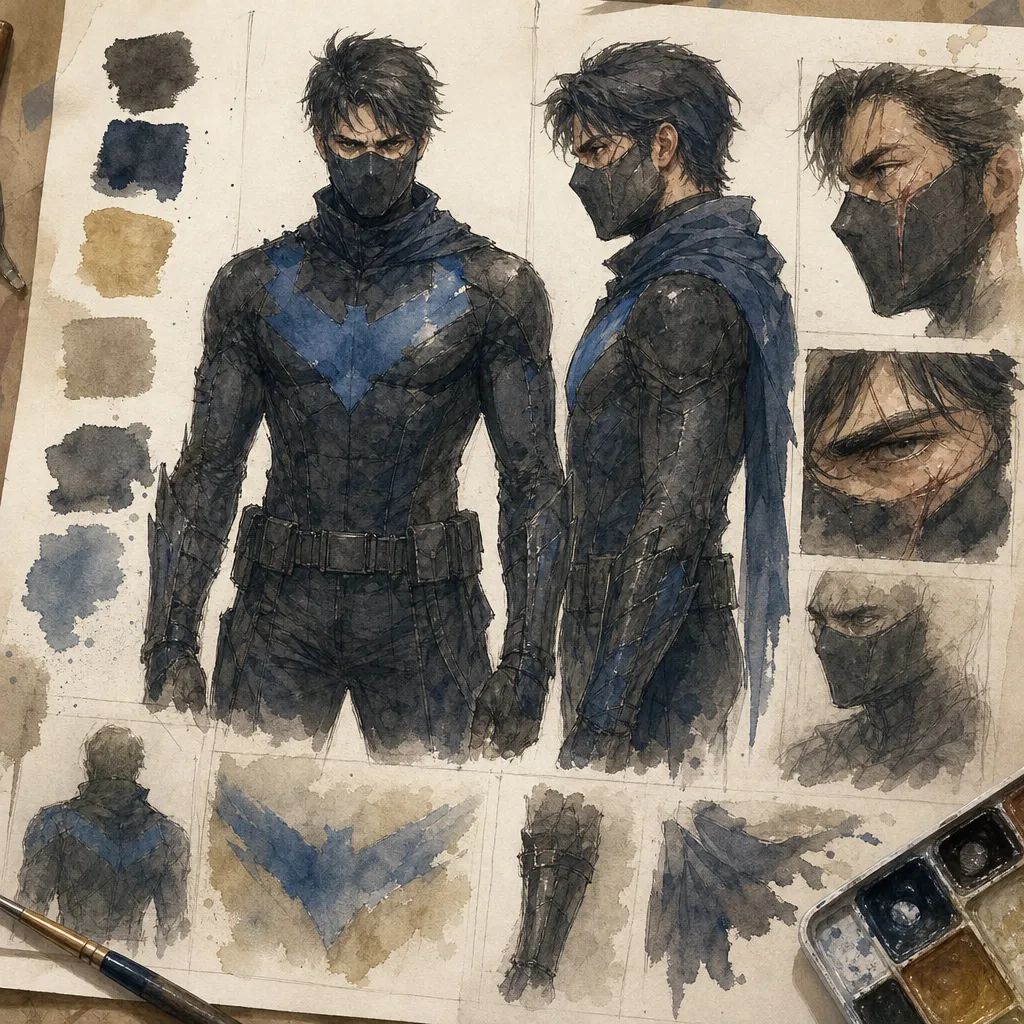
The most important part of a graphic novel series bible is the character reference block — a dense, specific paragraph for each main character that you treat as sacred text. Here is what to include:
| Field | Example detail |
|---|---|
| Age and build | “Late 30s, lean but broad-shouldered, 6 ft 1” |
| Face shape | “Strong square jaw, prominent brow ridge, deep-set eyes” |
| Eye and hair color | “Pale gray eyes, black hair worn short on sides, longer on top” |
| Distinguishing marks | “Diagonal scar from left cheekbone to upper lip” |
| Default costume | Describe every layer, fabric texture, and color as hex or common names |
| Posture and expression | “Stands with arms crossed, default expression is mild suspicion” |
Write this block, then test it. Generate five images using only that block plus a neutral background prompt. Compare them. If the outputs vary significantly, tighten the language — replace vague adjectives like “rugged” with measurable specifics like “three-day stubble, visible pores, weathered skin.”
Do this for every character who appears in more than one scene.
Defining Your World’s Visual Grammar
Characters are only half the consistency problem. Settings and lighting are the other half. A series bible should include what cinematographers call a “look bible” — a short set of rules about how your world is lit and colored.
Ask yourself:
- Palette: Is your world desaturated and gritty, or vivid and high-contrast? Pick three to five hex codes or named colors that dominate.
- Lighting source: Is the primary light source natural daylight, artificial neon, candlelight? Be consistent across interiors.
- Time of day: Does most of your story take place at night, in the golden hour, under fluorescent office lights?
- Architecture and props: What does the technology level look like? What era or genre does the environment suggest?
Write these rules down as a short paragraph — three to five sentences — that you paste into setting prompts the same way you paste in character blocks. When Artistik generates your panels, feeding it the same world-grammar paragraph each time is what makes your city feel like one city rather than a collection of vaguely similar streets.
Outlining Ahead of Generation
Many creators try to generate and outline simultaneously. This is the second biggest consistency mistake after skipping character blocks. When you outline panel-by-panel before you generate, you accomplish three things:
- You catch plot contradictions before they are illustrated.
- You know which character expressions and poses will be needed and can pre-test them.
- You can batch similar scenes — all the daylight exterior shots, for example — and generate them in one session with the same prompt structure, maximizing visual coherence.
You do not need to outline the entire book before starting. Outline one chapter ahead. That buffer is enough to avoid the trap of generating yourself into a visual corner — a scene that requires a setting you have never defined.
Formatting Your Bible for Prompt Use
A series bible that lives as a beautiful formatted document is less useful than one that is cut into reusable prompt-ready chunks. After you finish writing it, do a second pass and create a “prompt library” — a plain-text file with labeled blocks you can copy and paste:
[CHARACTER: MARA]— the full character block[SETTING: RAIN-SLICKED ALLEY]— environment plus lighting rules[TONE: CHAPTER 3]— emotional register for that chapter’s scenes
When you sit down to start a graphic novel in Artistik, you assemble your prompt from these blocks like stacking building blocks. The creative decision becomes: which blocks, in what order, with what scene-specific additions. That is a much more controlled creative process than writing every prompt from scratch.
Updating the Bible Without Breaking Continuity
Your bible is a living document, but changes carry risk. When you decide mid-series that a character’s coat should be brown instead of black, that change must be logged with a chapter number: “Brown coat from Chapter 4 onward. Chapters 1-3 retain black coat.” If you do not log the change, future generation sessions — and readers — will experience it as an error rather than a deliberate choice.
Keep a changelog at the bottom of the bible. One line per change, with the chapter it takes effect. It takes thirty seconds and saves hours of backtracking.
Frequently Asked Questions
How long should a graphic novel series bible be before I start generating? For a single-volume graphic novel of forty to sixty pages, aim for a bible of 1,500 to 2,500 words. Longer multi-volume series warrant more. The key threshold: every main character has a tested reference block, every recurring setting has a defined palette, and you have a scene-by-scene outline for at least the first chapter.
Do I need design software to build the bible, or will a plain text file work? Plain text works fine and is often better, because it is easy to copy blocks directly into a prompt field. Some creators use Notion or Obsidian for cross-linking, but the format matters less than the habit of actually consulting it before every generation session.
Can I use AI to help write the series bible itself? Yes, and it is a good use of an AI writing assistant. Describe your concept in a paragraph, then ask the AI to draft a character reference block or setting description. Edit the output until it is precise, then lock it. The bible is your document; the AI is helping you articulate it faster.
What happens if my generated panels still look inconsistent even with a good bible? First, check that your character block is truly specific — swap any adjectives for measurable descriptions. Second, test whether adding a brief style-anchor phrase at the start of every prompt (a consistent descriptor of your panel style) stabilizes outputs. Third, generate multiple options per scene and select the most on-model one. Consistency is a practice, not a guarantee, but a good bible narrows the variance significantly.
Start Building Your Bible Today
A series bible is an hour or two of focused writing that pays back in dozens of hours of smoother generation and a finished book that actually looks like a cohesive piece of art. Once yours is in place, Artistik gives you the tools to turn that foundation into a finished, downloadable graphic novel your audience can read, share, and buy — all from a single prompt-driven workflow. Open your text editor, start with your protagonist’s reference block, and build from there.