AI Graphic Novel Dialogue: Write Punchy Speech Bubbles Fast
Flat dialogue kills graphic novels before the art gets a chance. Learn how to write sharp, character-driven speech bubbles with AI — and export a finished project.
Dialogue in graphic novels lives or dies by the word count inside a speech bubble — too much text and the art disappears, too little and the characters feel hollow. AI can help indie creators strike that balance by drafting lean, character-specific lines that fit the visual format from the very first pass. This guide walks you through a practical workflow for generating and refining graphic novel dialogue using AI, so your panels carry real emotional weight.
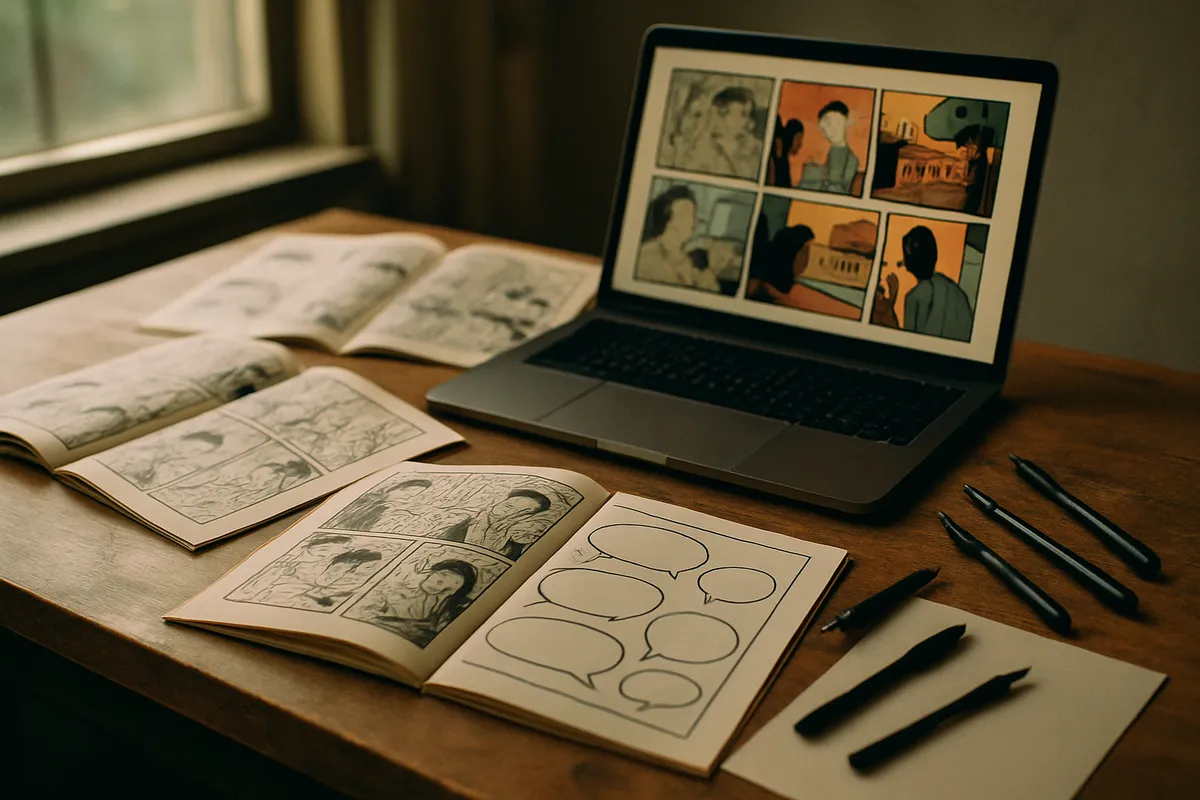
Why Graphic Novel Dialogue Is a Different Beast
Writing dialogue for prose fiction and writing it for panels are genuinely separate skills. In a novel, a character can explain themselves over three paragraphs. In a graphic novel, that same beat has to land in eight words or fewer — because the remaining storytelling load is carried by the image.
The key constraints every graphic novel writer must internalize:
- Word count per bubble: Professionals target 20-35 words maximum per balloon, and most punchy lines run closer to 10.
- Reading order competes with visual attention: If a bubble demands too much reading time, the eye never reaches the panel’s focal point.
- Character voice must survive compression: When you strip a character down to ten words, every word has to sound like them.
- Sound effects and internal monologue boxes follow different rules than speech bubbles, and mixing them up flattens the page.
AI does not automatically know these rules. You have to prompt it with them — and that is exactly where most creators go wrong.
The Right Way to Prompt for Bubble Dialogue

Vague prompts produce generic dialogue. Specific prompts produce lines you can actually use. Before you write a single prompt, build a short character brief for each speaking character. It does not need to be long — three to five bullet points covering vocabulary range, emotional register, speech rhythm, and one verbal tic is enough.
Example character brief for a jaded detective:
- Speaks in fragments, rarely full sentences
- Uses dry understatement instead of outright sarcasm
- Avoids contractions when angry, uses them freely when relaxed
- Verbal tic: starts deflections with “Look —”
- Vocabulary is blue-collar, no jargon
With that brief in hand, your prompt might read:
“Write five speech bubble lines for a jaded detective confronting a suspect in a rainy alley. Each line must be under 15 words. The detective speaks in fragments, uses dry understatement, avoids contractions when tense. No exposition — the image handles setting.”
That last instruction — the image handles setting — is perhaps the single most useful constraint you can give an AI writing graphic novel dialogue. It forces the output away from the instinct to explain what is already visible.
Panel-by-Panel Dialogue Mapping
Before generating any lines, map your scene at the panel level. A simple table works well:
| Panel | Visual action | Speaking character | Dialogue goal | Max words |
|---|---|---|---|---|
| 1 | Detective enters alley | — | Establish dread (no dialogue) | 0 |
| 2 | Suspect spins around | Suspect | Surprise and guilt | 12 |
| 3 | Detective steps closer | Detective | Threat, understated | 10 |
| 4 | Close-up on suspect’s face | Suspect | Denial, panicked | 8 |
| 5 | Detective’s hand on shoulder | Detective | Closing the trap | 7 |
Feed this table directly into your prompt. AI models respond well to structured inputs and will produce dialogue that respects panel-level word limits when you state them explicitly.
Editing AI Dialogue for the Visual Page
First-pass AI dialogue almost always needs two specific edits before it is panel-ready:
1. Cut the throat-clearing. AI tends to open lines with soft intros — “Well, I think that…” or “You know, it’s funny because…” Those words eat bubble space without adding voice. Delete them.
2. Break long lines across two bubbles. If a generated line runs over the limit but the rhythm is right, split it across two sequential bubbles from the same character. This also creates a natural visual beat — the reader pauses between the two balloons.
Other useful editing moves: - Replace any line that describes something visible in the panel (redundancy is wasted space) - Read every line aloud at the pace you would speak it — if you run out of breath, it is too long - Check that no two characters sound identical; if they do, return to the character briefs and add a distinguishing constraint
Using Artistik to Build the Full Graphic Novel
Writing punchy dialogue is only one layer of making a graphic novel. You still need panel illustrations, a cover, page layout, and a distributable file. Artistik handles the entire pipeline — you write your script (or generate it inside the platform), and the AI produces a fully illustrated, formatted graphic novel delivered as a downloadable ZIP.
The workflow is straightforward: describe your story, your character designs, and your visual tone in the prompt. The platform translates that into illustrated panels with your dialogue already placed in speech bubbles. Because everything exports as royalty-free files, you own the finished product completely and can sell it, print it, or publish it to any platform without licensing restrictions.
For creators who want to start a graphic novel without juggling five separate tools, this cuts production time from months to a single session.
Dialogue Pacing: The Rhythm of the Page Turn
Dialogue does not just live inside individual panels — it drives the rhythm of the entire reading experience. A page that ends on a short, punchy line pulls the reader forward. A page that ends on a dense explanatory block stalls them.
Practical pacing rules:
- Last panel of a page: Keep it short. Under eight words if possible. It should sting, land, or question.
- First panel after a page turn: Do not start with dialogue at all. Let the image re-establish. The first bubble on a new page should come in panel two or three.
- Silence is dialogue: Empty panels, or panels with only sound effects, are pacing decisions. Do not feel compelled to fill every frame with words.
When you prompt for dialogue, include page position in your prompt: “This is the last panel on the page — write a closing line under eight words that raises a question rather than answers one.”
Frequently Asked Questions
How many words should a graphic novel speech bubble contain? Most professional letterers target between 10 and 35 words per bubble, with action sequences running shorter and quieter character moments occasionally running a bit longer. The reliable floor is around seven words — below that, the line often feels truncated rather than punchy.
Can AI generate graphic novel dialogue for multiple characters without them sounding the same? Yes, but only if you provide explicit character briefs in the prompt. Without differentiated inputs, AI defaults to a generic neutral voice. Give each character a distinct vocabulary level, sentence rhythm, and at least one verbal habit, and the output diversity improves significantly.
What is the difference between a speech bubble and a caption box in terms of AI prompting? Speech bubbles represent spoken dialogue and follow conversational rules — compression, voice, rhythm. Caption boxes are typically third-person narration or internal monologue and can carry slightly more information. When prompting AI, label which type you want clearly, because the writing register for each is different.
Does Artistik let me customize the dialogue after the graphic novel is generated? Artistik generates the full illustrated project from your initial prompt, so the more specific and detailed that prompt is, the closer the output will be to your vision. You can refine and regenerate based on feedback within the platform to dial in dialogue and visuals before downloading the final files.
If you have a graphic novel story ready to tell — or even just a rough premise and a character or two — Artistik can take you from idea to finished, illustrated, downloadable panels faster than any traditional pipeline. Write your script, refine your dialogue prompts using the techniques above, and let the platform handle everything else. Your story deserves panels that actually hit.